
Turbo Dismount 2
Steam Workshop
Create and share custom levels, game modes, obstacles, and entirely new rule systems. TD2 Workshop gives every player the same tools Secret Exit uses internally — not a simplified editor, but the actual development toolkit.
What Can You Create?
TD2 Workshop supports five distinct creation categories, each powered by the same developer tools used to build the base game.
Custom Levels
Build entirely new maps with unique layouts, traffic patterns, elevation changes, and environment themes. The most popular Workshop category.
Examples
New Game Modes
Define entirely new rules for how the game is played. Change win conditions, add time pressure, modify scoring systems, or create something never seen before.
Examples
Power-ups
Design new collectible power-ups that change vehicle behavior mid-run. Speed boosts, shields, gravity modifiers — limited only by your imagination.
Examples
Obstacles & Traps
Create new environmental hazards and interactive objects that appear in levels. These can be shared separately and used in any compatible level.
Examples
Custom Rules
The most advanced creation type — define new logic systems that change how physics, scoring, and interactions work at a fundamental level.
Examples
Every creation type uses the same Unity-based tools that Secret Exit uses internally.
"All of our game levels are built with the same tools we give to Workshop creators." — Secret Exit Ltd
See Workshop in Action
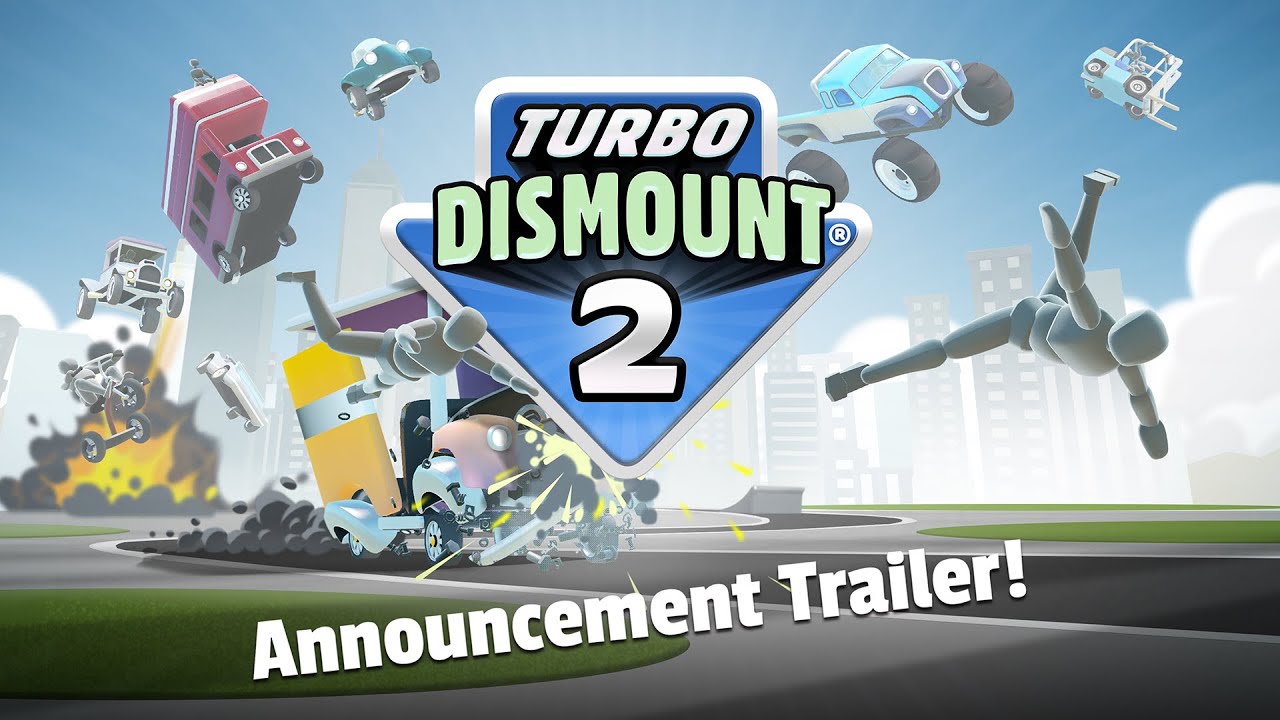
Official trailer showing Workshop-powered destruction physics
Featured Workshop Creations
View All on SteamNotable Workshop creations from the TD community. All free to subscribe on Steam Workshop.
Codeman's Turbo Dismount Levels
One of the highly subscribed Workshop collections, featuring multiple polished levels with varied themes. Codeman has been an active creator since the original Turbo Dismount, bringing years of level design experience to TD2.
Bokchoi's Turbo Dismount Maps
Known for well-crafted map layouts that maximize scoring potential. Bokchoi's maps are designed with physics knowledge — every obstacle placement is intentional and reward-oriented.
GreenLuigi19 Collections
A consistently updated collection of Turbo Dismount levels. GreenLuigi19 is known for maintaining and iterating on their levels post-release based on community feedback.
Highway Patrol Recreate
A detailed recreation of a high-speed police pursuit scenario. Features authentic patrol vehicle placement and road infrastructure that creates natural chokepoints.
Hyperspeed Highway
An extreme challenge where all traffic operates at maximum velocity. Every collision becomes instantaneous and devastating — recommended only for experienced players.
Atrocious Alley
A dense urban alleyway packed with hand-placed obstacles, traps, and environmental hazards. Each run produces a different chain reaction thanks to the complex obstacle interactions.
How to Get Started
From zero to published Workshop creator in five steps. No game development experience required for basic levels.
Install the Workshop SDK
In your Steam library, find "Turbo Dismount 2 Workshop Tools" and install it. This is the same toolset Secret Exit uses internally.
Open the Level Editor
Launch the editor from Steam. You'll have access to the full Unity-based environment with drag-and-drop asset placement.
Build and Place Assets
Add roads, vehicles, obstacles, power-ups, spawn points, and environmental props. The interface is WYSIWYG — what you see is what players experience.
Set Rules and Objectives
Define win conditions, scoring modifiers, game mode rules, and any custom behaviors. This is where you shape the player experience.
Publish to Steam Workshop
Add a title, short description, and a preview screenshot, then click Publish. Your creation uploads instantly and subscribers get it automatically.
Key advantage
Unlike other games that provide a simplified "creator mode," Turbo Dismount 2 Workshop uses the actual development build pipeline. This means you can achieve the same visual quality and behavioral complexity as the official levels.
Known Creators
Active Workshop creators with confirmed published content.
Codeman
Multi-Level Collections
Long-standing Turbo Dismount creator with work spanning both TD1 and TD2. Known for quantity and quality across varied level themes.
Notable Work
Codeman's Turbo Dismount Levels
Bokchoi
Physics-Optimized Maps
Map designer with a focus on maximizing physics-based scoring opportunities. Levels are well-documented and often include recommended vehicle selections.
Notable Work
Bokchoi's Turbo Dismount Maps
GreenLuigi19
Maintained Level Collections
Iterative creator who updates levels based on community feedback. Provides reliable, well-maintained content that stays relevant as the game updates.
Notable Work
GreenLuigi19 Collections
JosephDeAutismo
YouTube-Tied Content
Creator with connections to YouTube content creation. Known for levels that feature well in video format, with good visual variety per run.
Notable Work
Maps used in Episode 1 - The Destructive Menace
ShadowDeathBlade93
Community Contributions
Active community member with confirmed Workshop contributions. Specific level themes not yet fully documented — browse their Workshop page directly.
Notable Work
Various Workshop Submissions
Workshop vs TD1
How Turbo Dismount 2 Workshop compares to the first game's modding tools.
| Feature | Turbo Dismount 1 | Turbo Dismount 2 |
|---|---|---|
| Creation Tools | Basic level editor with limited assets | Full developer-grade Unity toolset — identical to what Secret Exit uses |
| Creation Types | Primarily custom levels only | Levels, game modes, custom rules, obstacles, power-ups, traps |
| Game Modes | Not creatable via Workshop | Fully customizable — define new win conditions and play rules |
| Scripting | Limited scripting support | Custom rule engine — create new logic systems from scratch |
| Graphics Quality | Standard Unity graphics | Unity 6.3 LTS with modern lighting and effects support |
| Community Age | 13+ years, hundreds of creations | Launched March 2026 — rapidly growing |
Workshop FAQ
Do I need programming skills to create Workshop content?
For basic levels, no programming is required. The level editor uses a visual drag-and-drop interface. Advanced content like custom game modes and rule systems may benefit from familiarity with logic-based scripting, but dedicated tutorials and community help are available.
Is the Workshop free to use?
Yes. The Workshop SDK is free to install for anyone who owns Turbo Dismount 2 on Steam. Creating and publishing content is free. Subscribing to and playing Workshop content is also free.
How is TD2 Workshop different from TD1?
Turbo Dismount 2 opens the full developer toolset to Workshop creators — the same tools Secret Exit uses to build official content. TD1 had a more limited editor. TD2 creators can make custom game modes, rules systems, and entirely new play mechanics that were impossible in TD1.
Can Workshop content break my game?
Workshop content runs in a sandboxed environment. Individual Workshop items cannot modify your base game installation. If a specific Workshop item causes issues, simply unsubscribe and it will be removed on next launch.
How do I find the best Workshop content?
Browse the Steam Workshop page for Turbo Dismount 2 and sort by "Most Popular" or "Top Rated". The creators listed on this page (Codeman, Bokchoi, GreenLuigi19) are reliable starting points. Check the "New & Trending" filter for recently published content.
Can I make money from Workshop creations?
No. Turbo Dismount 2 Workshop does not support paid Workshop items. All creator content is free. This is consistent with Secret Exit's approach to keeping the community open and accessible.
Browse Workshop on Steam
Thousands of community-created levels, game modes, and custom experiences. All free, all playable immediately after subscribing.
Workshop requires owning Turbo Dismount 2 on Steam